No, Xero does not read your email inbox or automatically capture invoices from email. To get an invoice into Xero from email, you need to either forward it manually to your Xero document inbox, upload it through the Xero app, or use a third-party tool that connects your email to Xero.
What Xero does natively
Xero has a feature called Xero Document Inbox, a unique email address (something like @xero.com) where you can forward invoices. Xero will attempt to read the document and pre-fill a draft bill.
The limitations of the native option:
- You have to manually forward each email. Xero does not monitor your Gmail or Outlook inbox.
- If your supplier sends an invoice as an attachment, you forward it. If it is in the email body, Xero may not extract it correctly.
- There is no automatic monitoring. Every invoice still requires a manual step.
How to make Xero actually read invoices from email automatically
The way to get true automatic email-to-Xero processing is to connect a third-party inbox monitoring tool. These tools watch your Gmail or Microsoft 365 inbox, identify emails that contain invoices, extract the data, and post draft bills directly to Xero, without any forwarding or manual upload.
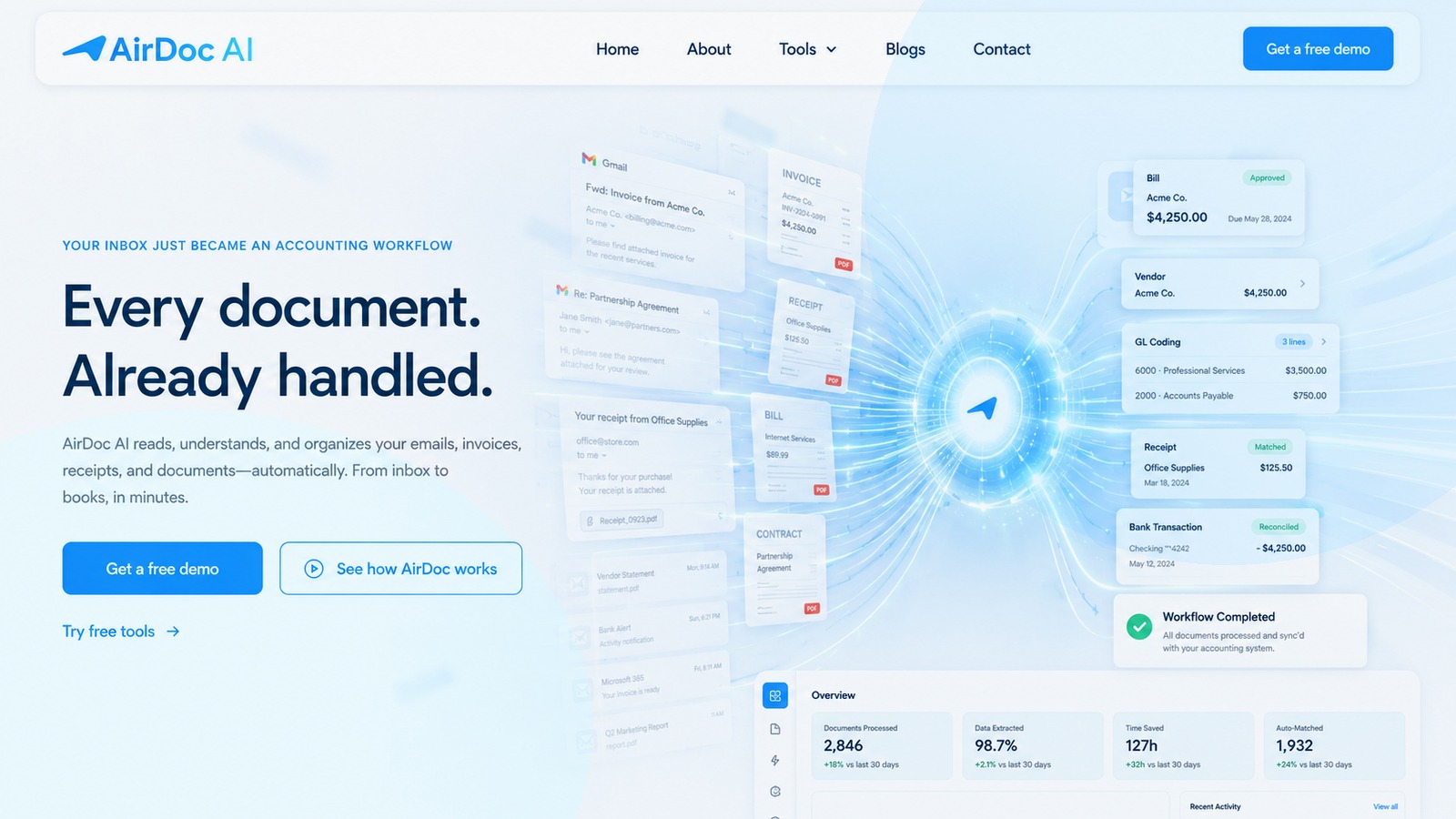
AirDoc AI is built specifically for this. You connect your Gmail or Outlook inbox via OAuth (read-only access), connect your Xero account, and from that point, every invoice that lands in your inbox is automatically read, extracted, and posted to Xero as a draft bill with the original document attached.
Other tools in this category include Dext (previously Receipt Bank) and Hubdoc, though both require you to submit documents. Dext accepts submissions via mobile app, email, or upload. Hubdoc works via supplier email fetch or upload. Neither monitors your inbox the same way.
Which email providers does this work with?
Inbox-monitoring tools like AirDoc AI support:
- Gmail (personal Google accounts and Google Workspace)
- Microsoft 365 (Outlook, Exchange-hosted accounts)
If your invoices arrive at a Gmail or Outlook address, you can connect it and have Xero automatically receive the extracted data, with no forwarding required.
What data gets extracted?
When an invoice arrives by email and is processed automatically, the fields extracted typically include:
- Supplier name
- Invoice number
- Invoice date and due date
- Line items (description, quantity, unit price)
- GST / tax amount
- Total amount
AirDoc AI extracts full line-item data for most structured PDF invoices. For scanned or handwritten documents, header-level extraction (supplier, date, total, GST) is more reliable.
Summary
Xero does not read invoices from email automatically on its own. To automate this, you need a tool that monitors your inbox and passes the data to Xero. AirDoc AI connects directly to your Gmail or Microsoft 365 inbox and posts invoice data to Xero without any manual step. Plans from A$99/month.