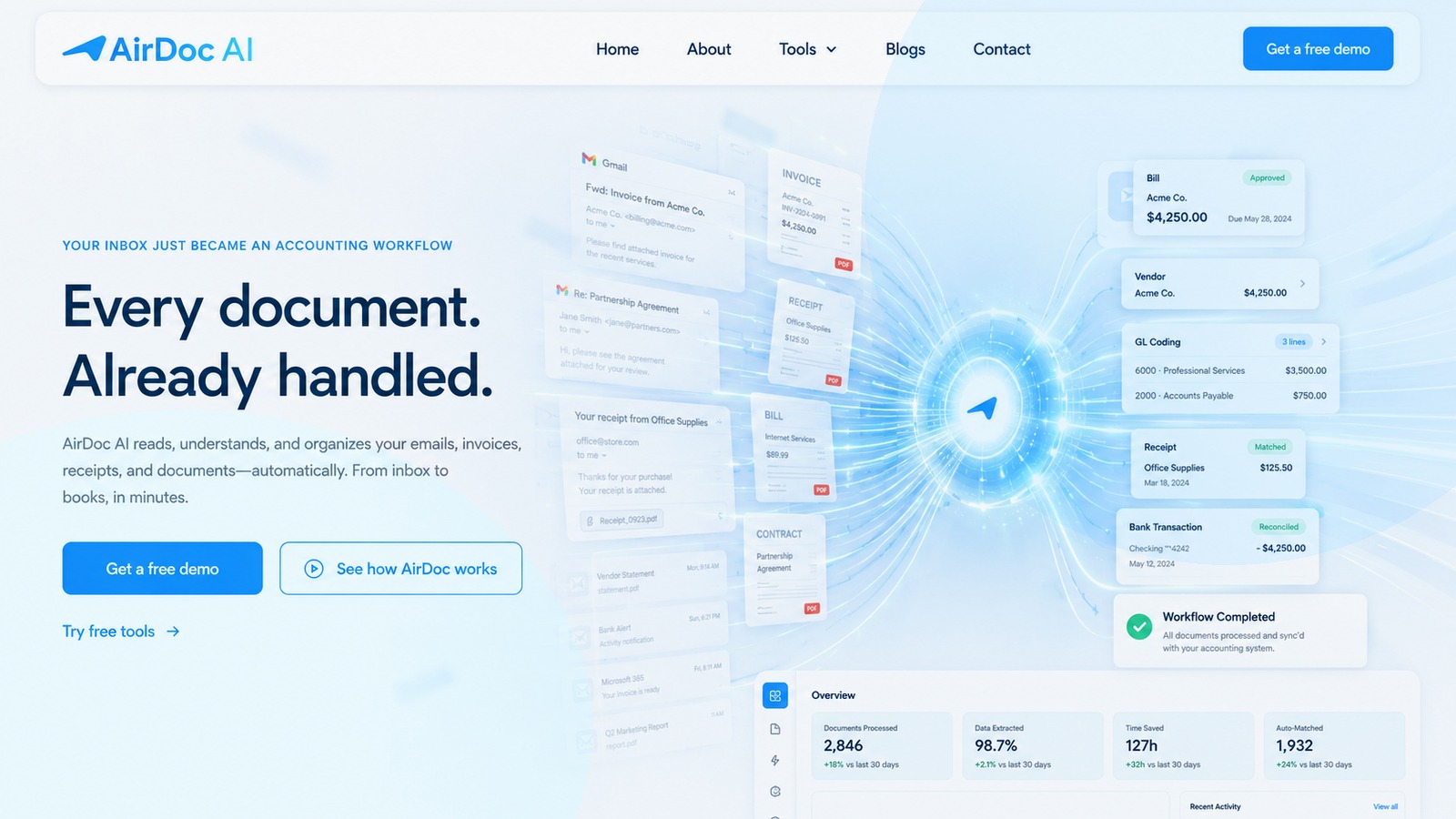
The fastest way to automate invoice entry in Xero is to connect an inbox monitoring tool that reads invoices from your email and posts draft bills to Xero automatically. For most small businesses and bookkeepers, this means connecting your Gmail or Microsoft 365 inbox to Xero using a tool like AirDoc AI. Setup takes under 10 minutes and requires no ongoing manual steps.
The problem with manual invoice entry in Xero
Manual invoice entry means opening each supplier email, downloading the attachment (or reading the email body), opening Xero, creating a new bill, and typing in the data. At 3 to 5 minutes per invoice and 50 to 200 invoices per month, that is 2.5 to 17 hours of data entry a month that does not need to happen.
Xero does have a Document Inbox feature, a unique email address you can forward invoices to, but it still requires you to manually forward each email. It does not watch your inbox for you.
Method 1: Inbox monitoring (most automated, recommended)
Connect a tool that monitors your Gmail or Outlook inbox and automatically processes invoices as they arrive. No forwarding, no uploading, no manual triggers.
How it works:
- Connect your Gmail or Microsoft 365 inbox via OAuth (the tool gets read-only access)
- Connect your Xero account
- Set your preferences: which account to code to, draft or approved status, which suppliers to auto-approve
- Done. Invoices that arrive in your inbox are automatically read, extracted, and posted to Xero
AirDoc AI is built specifically for this workflow. It watches your inbox, extracts full line-item data from supplier invoices, and posts draft bills to Xero with the original document attached. The Starter plan covers 500 emails per month.
Method 2: Forward invoices to your Xero Document Inbox
Xero gives every account a unique email address. You can forward invoices to that address, and Xero will attempt to read the document and pre-fill a draft bill for review.
Limitations:
- You have to manually forward each email. It is not automatic.
- Xero extracts header-level data (supplier, total, date) but not line items.
- Works best with clean PDF invoices. Less reliable with scanned documents or invoices in the email body.
Method 3: Use Hubdoc (included with Xero Business plan)
Hubdoc is included with Xero Business plan and above. You can set up supplier email fetching (Hubdoc emails suppliers directly to request invoices) or forward documents to Hubdoc for extraction and sync to Xero.
Limitations since Xero acquisition:
- Hubdoc no longer extracts line items. Totals and header data only.
- No inbox monitoring. You still forward documents or set up per-supplier fetching.
- Feature development has largely stopped.
Which method is right for you?
| Situation | Best method |
|---|---|
| Invoices arrive by email, want zero manual steps | AirDoc AI (inbox monitoring) |
| Already on Xero Business plan, basic extraction is fine | Hubdoc |
| Need mobile receipt capture too | Dext |
| Have development resources, want full control | API / Zapier |
How long does setup take?
- Connect Gmail or Outlook: 2 minutes (OAuth flow)
- Connect Xero: 2 minutes (OAuth flow)
- Configure preferences: 5 minutes
- Total: under 10 minutes, no developer required
From that point, invoices that arrive in your inbox are processed automatically.