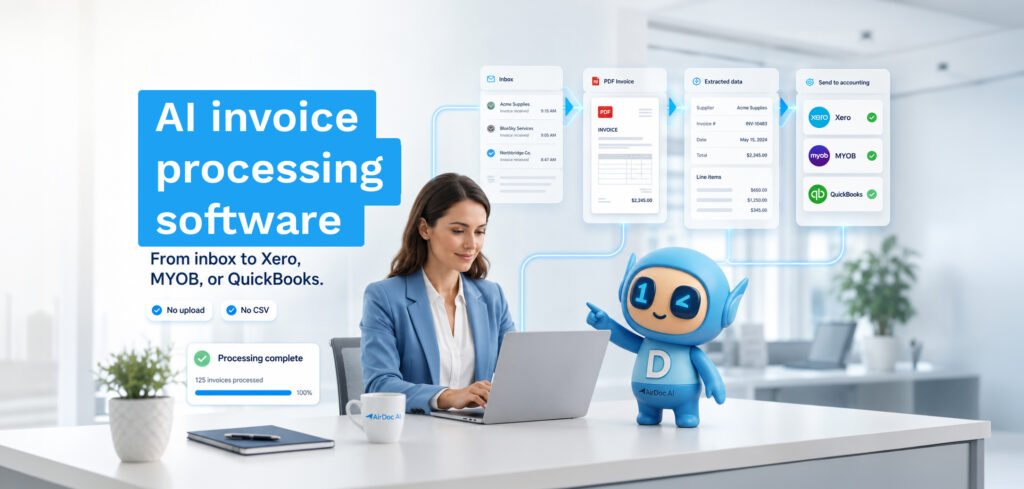
The best invoice automation software for small businesses using Xero, QuickBooks, or MYOB is AirDoc AI for inbox-first automation, Dext for multi-source capture, and Hubdoc if you’re on Xero and just need basic document storage — the right choice depends entirely on whether your invoices arrive by email or require manual submission.
This comparison covers the six tools that come up most often for Australian small businesses and bookkeeping practices on Xero, QuickBooks, and MYOB. The criteria: does it monitor your inbox automatically, does it extract line items (not just header data), does it post natively to your accounting platform, and what does it actually cost per invoice.
The shortlist
| Tool | Inbox monitoring | Line-item extraction | Native Xero/MYOB/QBO | Best for |
|---|---|---|---|---|
| AirDoc AI | Yes (Gmail + M365) | Yes | Yes (all three) | Inbox-first, AU/NZ bookkeepers |
| Dext | No (submission-based) | Yes | Yes | Multi-source capture, expense management |
| Hubdoc | No (submission-based) | Limited (no line items) | Xero only (native) | Basic capture for Xero-only practices |
| AutoEntry | No (submission-based) | Limited | Yes (Sage primary) | Sage Accounting users |
| Lightyear | Partial (email forwarding) | Yes | Yes | Mid-market AP automation |
| Datamolino | No (submission-based) | Yes | Yes | High-accuracy extraction, EU market |
AirDoc AI
AirDoc AI connects directly to Gmail or Microsoft 365 via OAuth and monitors the inbox your supplier invoices already arrive in. When an invoice lands, AirDoc reads it, extracts supplier name, ABN, invoice number, dates, line items, GST per line, and totals, validates the data, and posts a draft bill to Xero, QuickBooks, or MYOB. No forwarding address, no upload, no supplier change required.
WhatsApp is also supported for paper receipts and dockets that arrive via photo. The pricing is per processed email with no per-client or per-user fees. The Starter plan handles 500 emails per month .
Best for: Bookkeeping practices and small businesses whose invoice volume primarily arrives by email, and who want inbox-to-Xero automation with no submission step.
Pricing: A$99/month (500), A$199/month (2,000), A$299/month (5,000), A$499/month (10,000).
Not ideal for: Businesses with large paper invoice volumes or complex multi-entity approval workflows requiring dedicated AP automation platforms.
Dext
Dext (formerly Receipt Bank) is the most widely used document capture tool in Australian bookkeeping practices. It handles invoices, receipts, bank statements, and expenses via mobile photo, email submission to a unique address, or desktop upload. Extraction accuracy is strong, particularly on invoices it has processed from the same supplier before.
The main friction point is the submission model. Dext does not monitor your inbox. Every invoice has to be submitted to Dext before it can be processed. For practices managing multiple client inboxes, this means touching every invoice. Pricing is per client with minimums, and costs have increased 10-30% annually since 2021 according to user reviews.
Best for: Practices that want broad document and expense capture across many source types, and where clients will engage with the mobile app submission workflow.
Not ideal for: Practices looking to eliminate the submission step entirely. See a full Dext comparison here.
Hubdoc
Hubdoc is included with Xero subscriptions, which makes it the default starting point for most Xero-based practices. It captures documents via email submission, mobile photo, or upload, and pushes them to Xero. Bank fetch functionality was removed in 2022. Line-item extraction was quietly removed from the product roadmap.
For basic document capture where you are not relying on line-item data in Xero bills, Hubdoc is adequate and the price is right. For practices that need line items or want to automate the submission step, it falls short. See AirDoc AI vs Hubdoc.
Best for: Xero users who need basic document storage and capture, and are happy to forward invoices manually.
AutoEntry
AutoEntry is owned by Sage and integrates most naturally with Sage Accounting. It handles invoices and receipts via upload, email submission, or mobile photo. The credit-based pricing model (credits expire after 90 days) causes waste in lower-volume months. Line-item extraction is inconsistent across document formats. See AutoEntry alternatives for Xero.
Best for: Sage Accounting users where AutoEntry is the natural fit for the ecosystem.
Lightyear
Lightyear is an AP automation platform targeting mid-market businesses with more structured procurement workflows. It handles purchase order matching, multi-step approval, and supplier management, in addition to invoice capture. It integrates with Xero, QuickBooks, and MYOB. Pricing is higher than SMB tools and reflects the additional workflow capability.
Best for: Businesses with 50-500 employees that have formal PO workflows and multi-level approval requirements.
Datamolino
Datamolino is a document capture and data extraction tool with strong accuracy, particularly popular in the UK and EU markets. It integrates with Xero and QuickBooks. Setup requires email forwarding to a Datamolino address. No inbox monitoring. Pricing is per document with volume tiers. Less commonly deployed in the Australian market.
Best for: UK and EU practices already familiar with the product, or businesses prioritising extraction accuracy above all else.
How to choose
The right tool is the one that fits how your invoices actually arrive and what you are willing to change about how they are handled.
If your invoices arrive by email and you want zero change to how suppliers send them, choose a tool with inbox monitoring. AirDoc AI is the only option on this list that does this natively for both Gmail and Microsoft 365.
If you have clients who need expense capture via mobile photo and you want a single tool for both, Dext covers the most ground but comes with per-client pricing and a submission workflow.
If you are on Xero and cost is the primary concern, Hubdoc is included with your subscription. It does not do line items or inbox monitoring, but it is not nothing.
If you have mid-market AP workflows with purchase orders and multi-step approvals, Lightyear is built for that and the SMB tools are not.
FAQ
Which invoice automation software works best with Xero?
For inbox-to-Xero automation with no submission step, AirDoc AI. For broad document and expense capture across many source types, Dext. For basic capture included in your Xero subscription, Hubdoc.
Is there free invoice automation software?
AirDoc AI’s Starter plan is A$99 for up to 500 processed emails per month. Hubdoc is included with paid Xero subscriptions. Most other tools in this category do not have a free tier beyond a time-limited trial.
Can invoice automation software handle WhatsApp receipts?
AirDoc AI supports WhatsApp, connecting a dedicated business number so clients and staff can send receipt photos directly. None of the other tools on this list support WhatsApp natively.
What is the cost per invoice for automated processing?
At AirDoc AI’s Growth plan (A$199/month for 2,000 emails), the cost per processed invoice is approximately A$0.0995. Manual processing at A$35/hour and 3 minutes per invoice costs A$1.75 per invoice. The difference is roughly 23x in labour cost.